

Operations6 min read
Stor-Mor
See how Stor-Mor successfully scaled from manually tracking leads on spreadsheets to managing over 300 dealers.
Partway through the webinar, a client emailed Toli Marchuk asking him to update a URL. Toli didn't read it. He told his AI agent, "There's a new email from Kevin. Check the last email." The agent read it and started working out what needed to change. Then Toli said, "Reply to that email."
His human time on it: 15 seconds, maybe 30 total. When he showed the reply later in the call, he said it was accurate and better than he'd have written himself. One detail matters for the rest of this post. The agent was already set up with access to his inbox and the systems the client was asking about.
That's the gap in most AI advice for shed businesses. You've heard it's going to change how you run the lot. What you haven't heard is what to do about it on a Tuesday, between a delivery and a walk-in. Most of it stops at "try ChatGPT."
Jason Graber, Shed Suite's founder, brought Toli on to close that gap. Toli is the CEO and co-founder of Drip Rewards and sits on the Sarasota.Tech board. He and Jason run hands-on AI workshops for business owners in Sarasota. This post is the written version of their hour. You'll get the plain-English definition of an agent and the two tools they say to start with. You'll see which of ChatGPT or Claude fits which job, two prompts that fix most bad results, and the automations they run themselves. None of it needs a developer. Some of it needs a little setup, and we'll say where.
The full recording is embedded below. The written guide continues after it.
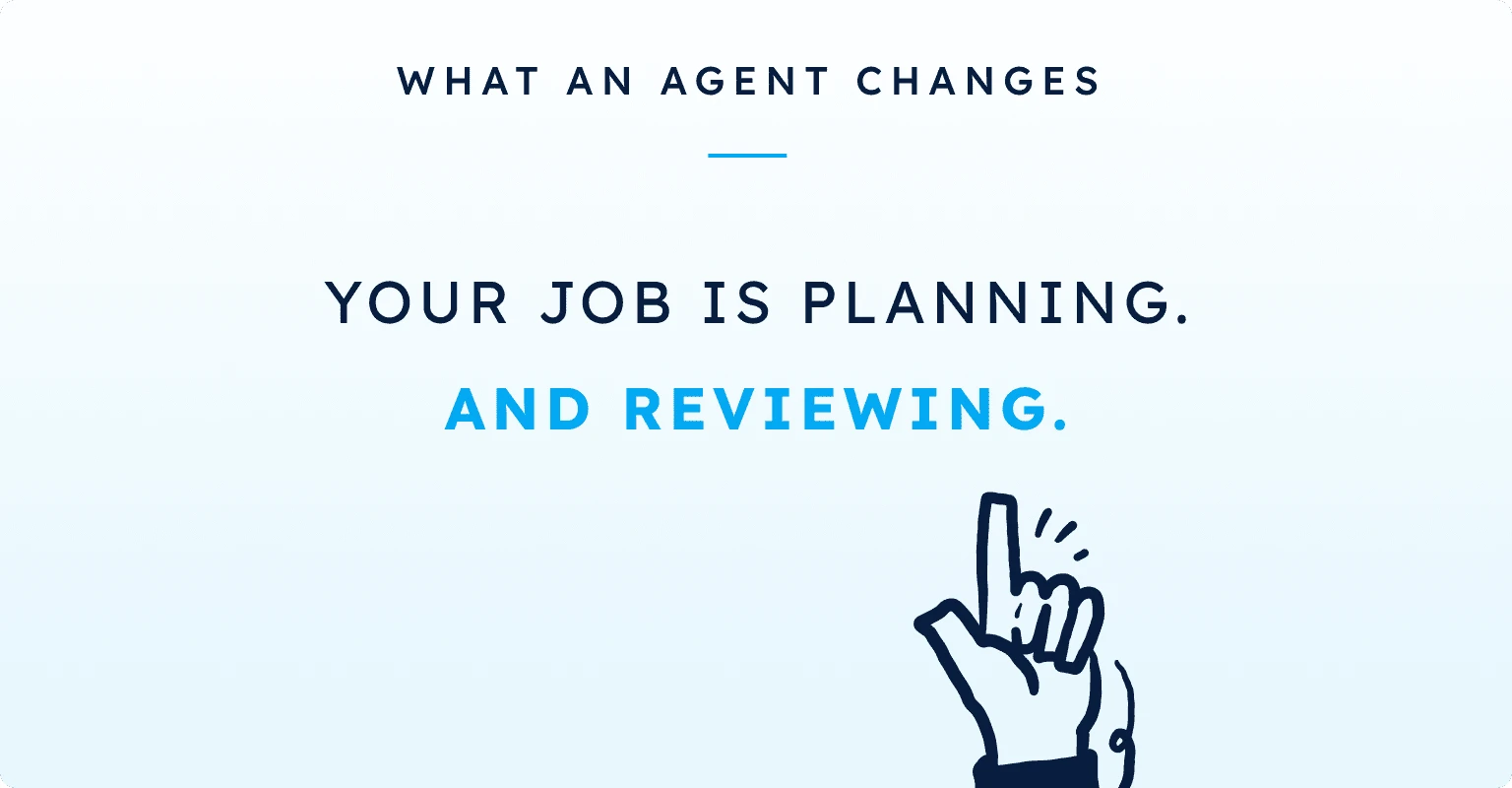
Toli's definition is short. Right now, you do the work. You click, you type, you copy and paste, you wait, and you do that over and over. With an agent, the agent does the work. You plan, you define the outcome, you make the decisions, and you review what comes back.
Your job changes to planning and reviewing
Toli's phrase for it: "Your job is basically a context farmer." You explain what you want and where things stand. The agent uses the tools, does the tasks, and returns with a result. You check it, fix what's off, and send it back.
That planning step matters more than it sounds. "AI will follow the exact process you give it," Toli says. "It is extremely good at following instructions." That's the upside and the risk in one sentence. A vague plan gets a vague result.
It makes you better at what you're already good at
Jason's line, which he credits to Toli: AI makes you better at whatever you're already good at. Toli adds the other half. It amplifies what you're bad at, too. His own example is starting too many things at once. AI made that worse. If you know your weak spot, plan around it.
Jason puts it in dealer terms. He isn't a programmer, but he now produces about as much code as any one of his best engineers. His work happens to be building software. "If your work is selling sheds, man, get in there, brainstorm with that AI," he says. "How can we sell more sheds?"
Toli says there are two tools, and only two, to get started.
Wispr Flow for talking instead of typing
Wispr Flow is a dictation app. You press one button, talk, and it turns your voice into clean text. Toli's point is speed. You talk far faster than you type, so you give the AI more context with less effort.
Jason uses it on every device. He's not a fast typer. He keeps several AI sessions open, clicks into one, dictates instructions, and moves to the next. He now uses it for communication with his team as well.
ChatGPT or Claude, on the desktop app
The second tool is ChatGPT or Claude. Toli prefers ChatGPT. Jason prefers Claude. Both say it doesn't matter which one you start with, as long as you start.
What does matter is where you run it. Toli's rule: use the desktop app, not the website. "Claude on the web is like a 10th of the capabilities compared to Claude on desktop." The desktop app can read your files, connect to your Gmail, use your browser, and use the other apps on your computer. That's what turns a chat window into an assistant. Each of those connections is something you switch on and approve, so expect a few setup steps before it can act for you.
Toli calls it left brain versus right brain. You want both eventually. Start with one. These are his and Jason's preferences from their own work, not a test result.
ChatGPT (left brain), per Toli:
Claude (right brain), per Toli and Jason:
Jason's caveat: the split is power-user territory. If you're new to this, pick one. Either one gets you most of what you need. One attendee asked about Gemini for Android users, and both had the same answer: if it's already on your phone, use it. Whatever gets you to actually start is the right tool.
Toli says being a good "prompt engineer" isn't that important anymore. The models are good enough. Two habits still pay off.
Reverse prompting: make the agent interview you
Instead of telling the agent everything up front, have it ask you. Toli's example is a dealership website. Say "I need a website for my dealership" and you'll get something, but probably not what you wanted. Add this instead:
I'm not really sure what you need from me. Ask me questions sequentially, one by one, until you have full clarity on what it is that I'm building. Grill me.
It asks, you answer, and it builds from a complete picture.
Pre-prompting: ask it to improve your prompt
Type "Improve this prompt:" and then write what you're trying to do. The AI rewrites it as a better prompt. Paste that back in. Toli's reasoning: the AI understands the best way to talk to it better than you do. You're asking it, "How do I talk to you best?"
When you're stuck, start a planning session
Jason's rule for getting unstuck: open a new session and say, "I'm stuck. Here's where we are. Here's where we've gotten. Here's where I'm stuck. I need help." It'll help you understand the problem and get back to work. You can't stay stuck if you know to ask.
Shed Suite gives your team the leads, follow-up, and order pipeline this article describes — all in one place, trusted by 2,800+ shed businesses.
Book a DemoToli's rule for good results: give good context. Context is the information the AI needs to understand the job. "Make my site SEO friendly" works. It works much better if you include your current site, the keywords you're thinking of, your market, and a few competitors.
The more you talk to it, the better it gets
Jason credits this one to Toli: the more you talk to your AI, the smarter it becomes about you. Think of a new employee. You wouldn't tell them to go do their job without explaining your story, your products, your customers, and how you sell. Do the same for your AI session.
Jason's voice memo walk
A dealer on the call asked for the top ways dealers use AI to sell more. Jason's answer is a routine you can do this week. It needs nothing but your phone and a chat app.
"You'll be blown away at what comes back," he says.
One dealer's list: images, flyers, and role-play
A dealer on the call shared what's working already. Jason backed each one.
Jason points to a book, "The AI-Driven Leader," for the bigger idea. Treat AI as a co-founder you talk to and brainstorm with. It gets better the more it knows your work.
This is the part most people never get to. None of these need a developer. They do need different amounts of setup, so each one below says what it does and what it has to be connected to first. The voice memo walk above is the lightest. The email demo is the heaviest, because Toli's agent was already wired into his inbox and his systems before the webinar started.
1. Let an agent read and answer an email
What it does. Toli ran this live. A client emailed asking him to update a URL. Toli told his agent, "There's a new email from Kevin. Check the last email," let it reason through the request, then said, "Reply to that email." The agent handled it and sent the reply.
What it needs. The desktop app, a connection to your inbox such as Gmail, and access to whatever the customer is asking about. Toli's agent already had all three. That's why 15 to 30 seconds of his time was enough. Expect your first one to take longer while you approve those connections. Read the first few replies before they go out.
2. Stop copying values between apps
What it does. Jason's test for what to automate is a pattern you'll recognize. You log into one app, grab a value, put it in a spreadsheet, and then update a second app with that value. An agent can do the whole loop. He names the tools: Codex from OpenAI, or Claude Code and Cowork from Anthropic.
What it needs. Permission to use your computer and your browser, and one walkthrough of the steps. Teach it the loop once and it can repeat it. Jason's mental shift: "This AI agent can literally do anything that you can do on a computer, if you teach it how to do it."
3. Feed a transcript back into your own material
What it does. Toli transcribed the webinar while it was running. His plan for after the call, not something he showed, was to hand the transcript to his agent and ask, "What can we improve about this deck? What can we add onto it based on this other call that we had?" Any recorded call works the same way. A customer call, a brainstorm with your partner, a walk-through of a problem on the lot. Transcribe it, hand it over, and ask what to fix.
What it needs. The desktop app and a transcript file. That's all. This is the easiest one to try today.
4. Skills: write the instructions once
What it does. Toli calls reusable instructions "skills." A skill is a text file that tells an agent how to do something or how to think. You already have skills. You know how to open your inbox, reply, and forward. Write that down and an agent can do it too. A skill can run for 30 seconds or 30 hours.
What it needs. A desktop app that supports skills, and your time to write the steps the way you'd explain them to a new hire. Toli's example was a skill that lets an agent work inside Shed Suite. He offered it as an example of what a skill could do, not something he'd built. If your quotes, leads, and deliveries already live in Shed Suite CRM, that's the kind of context an agent would need.
5. Agents on a schedule
What it does. Jason's framing: agents are digital employees. You can have as many as you want, and they can run on a schedule. His test for what to hand off comes from his own to-do list. Sending a personalized video to every prospect who visited the lot last week would be high value. Nobody has time for it. So automate the tasks that eat that time, and the high-value work opens up.
What it needs. Jason's version of the setup: create an account, download the desktop app, give it permission, and start talking to it. The scheduling part comes after you've taught it one task and checked its work a few times.
Agents aren't a future thing. Toli answered a client email with one during the webinar. The shift is mental more than technical. "Just knowing what you can hand off, what you can't hand off," Toli says, "makes work more fun, honestly."
Both of them expect it to feel bumpy at first. Toli compares it to learning to drive. Jason's advice is to be a student of it and not be afraid of it. The way to learn is to do it.
Your next step: download the ChatGPT or Claude desktop app and record a short voice memo describing your lot and how you sell. Paste the transcript in with one line: "Help me sell more sheds."
What a former autotrader.com head architect learned taking car sales online, and how shed dealers can find where website buyers drop off.
Casey Wiggins ran a lot before he ran a shed factory. His playbook for turning a dealer from first contact into a partner who stays, and keeping them busy.
What a customer really costs, what a healthy return on ad spend looks like, where budget leaks, and how to show up when buyers ask AI instead of Google.
See how real shed businesses scale and simplify with Shed Suite.
See how Stor-Mor successfully scaled from manually tracking leads on spreadsheets to managing over 300 dealers.
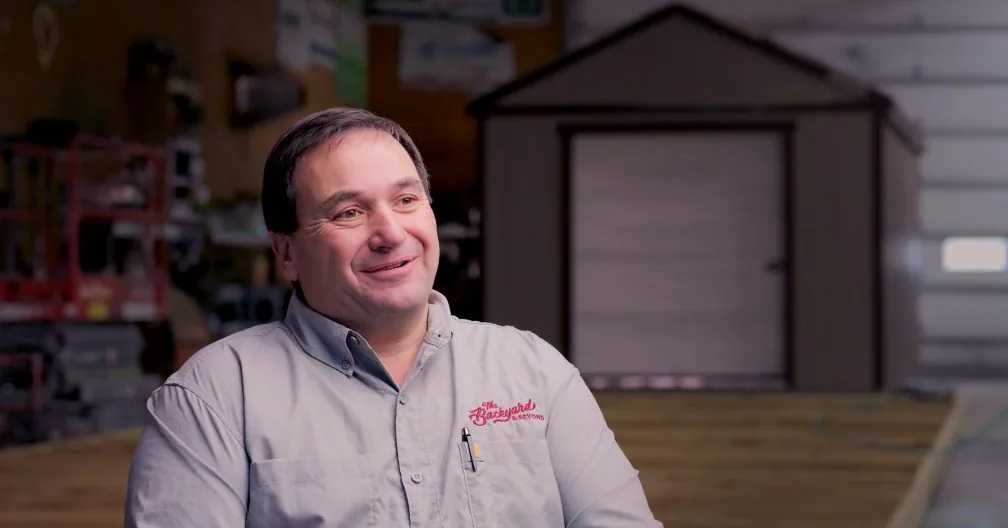
See how Backyard unified their e-commerce sales, inventory, and delivery teams using Shed Suite's all-in-one platform.

See how Legacy successfully automated sales, simplified inventory management, and improved delivery tracking to scale seamlessly.
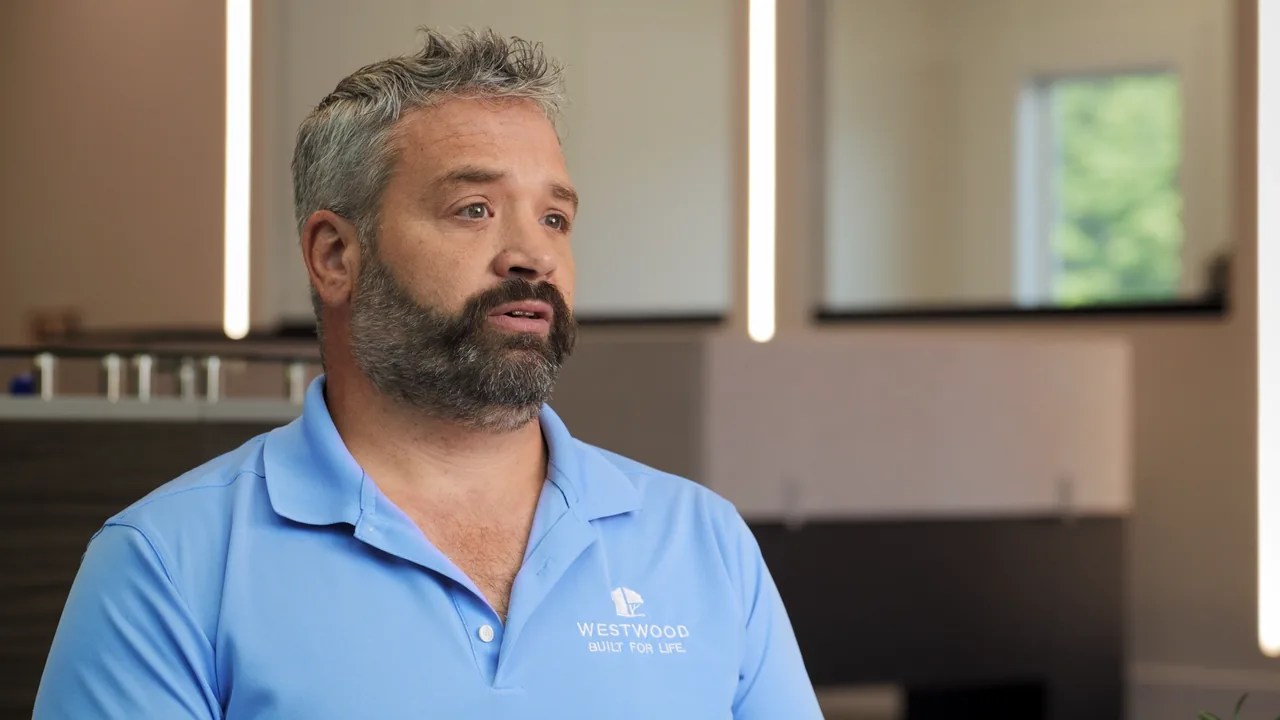
See how Westwood Sheds replaced spreadsheets and PDF order forms with Shed Suite, then grew to 11 sales locations across two states.

See how Liberty Sheds put sales, production, customer success, and dispatch on one system. Now they close sales remotely and reconcile inventory by running a report.
Shed Suite clients see an average growth of 81% in their first year.
See how we do it — book a 30-minute demo.
Average sales growth across all Shed Suite clients, the 12 months before vs. after joining Shed Suite. As of 2026.
“We come from the shed industry and built this for y’all. We’d love to show you what we do, how it works, and how it’ll make every team member’s life so much easier and smoother.”

Jason Graber
Shed Suite Founder