

Operations6 min read
Stor-Mor
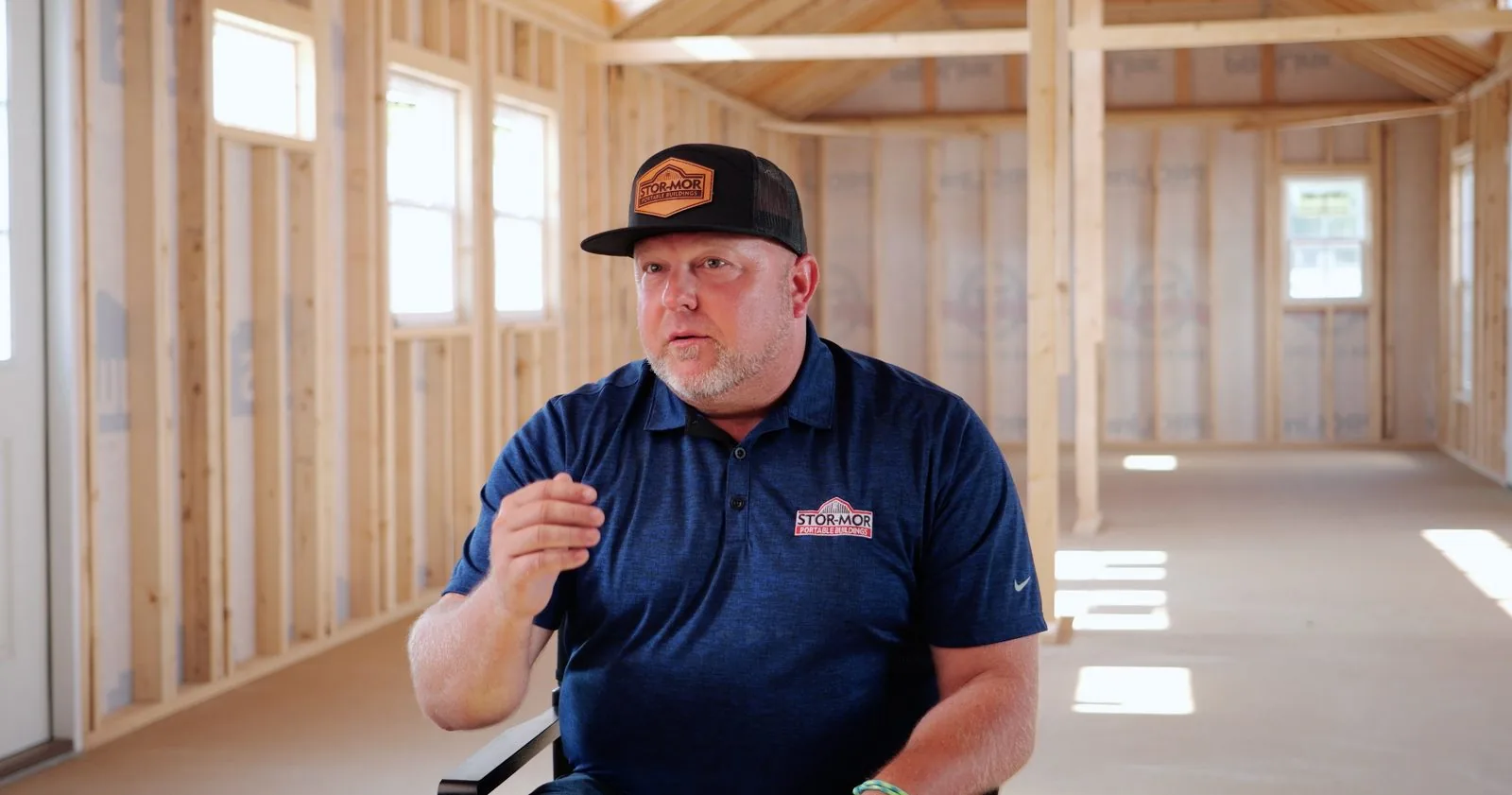
See how Stor-Mor successfully scaled from manually tracking leads on spreadsheets to managing over 300 dealers.

You're in the shed business because you know how to build quality structures and serve customers. But here's the reality: when someone fills out your website form at 5 PM on a Tuesday, you don't see it until Wednesday morning. By then, they've already called three competitors and are comparing quotes.
That's where AI changes the game. This guide shows you exactly how to set up an AI assistant that responds to leads in seconds, asks the right questions, and hands off qualified prospects to your sales team, so you can focus on building and selling sheds.
In addition to this text guide, you can watch this recording of our live webinar on this topic. Here's the video. The text guide continues below.
When customers fill out a form, they want answers now. They're excited about their project and ready to move forward. A quick response shows you're professional and available when they need you.
The problem: You get a lead inquiry. You're busy. By the time you respond (maybe tomorrow morning), they're already deep in conversations with your competitors.
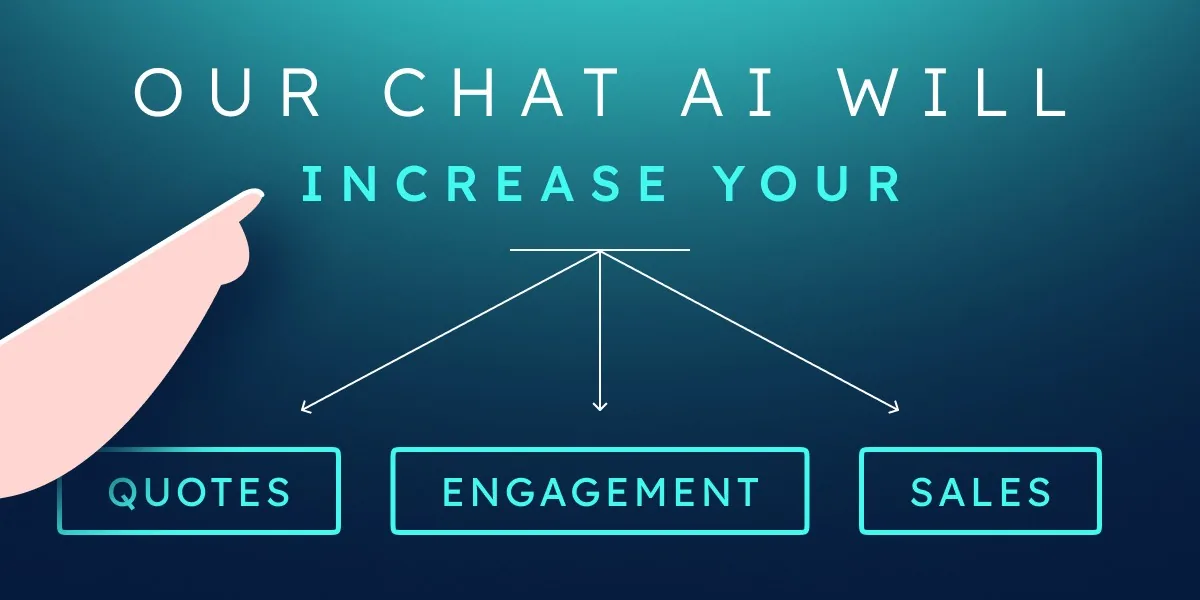
The solution: An AI assistant that responds immediately, keeps leads engaged, and alerts you when someone's ready to buy.
The result: More sales, less stress, better customer experience.
That's it. No coding, no technical expertise required.
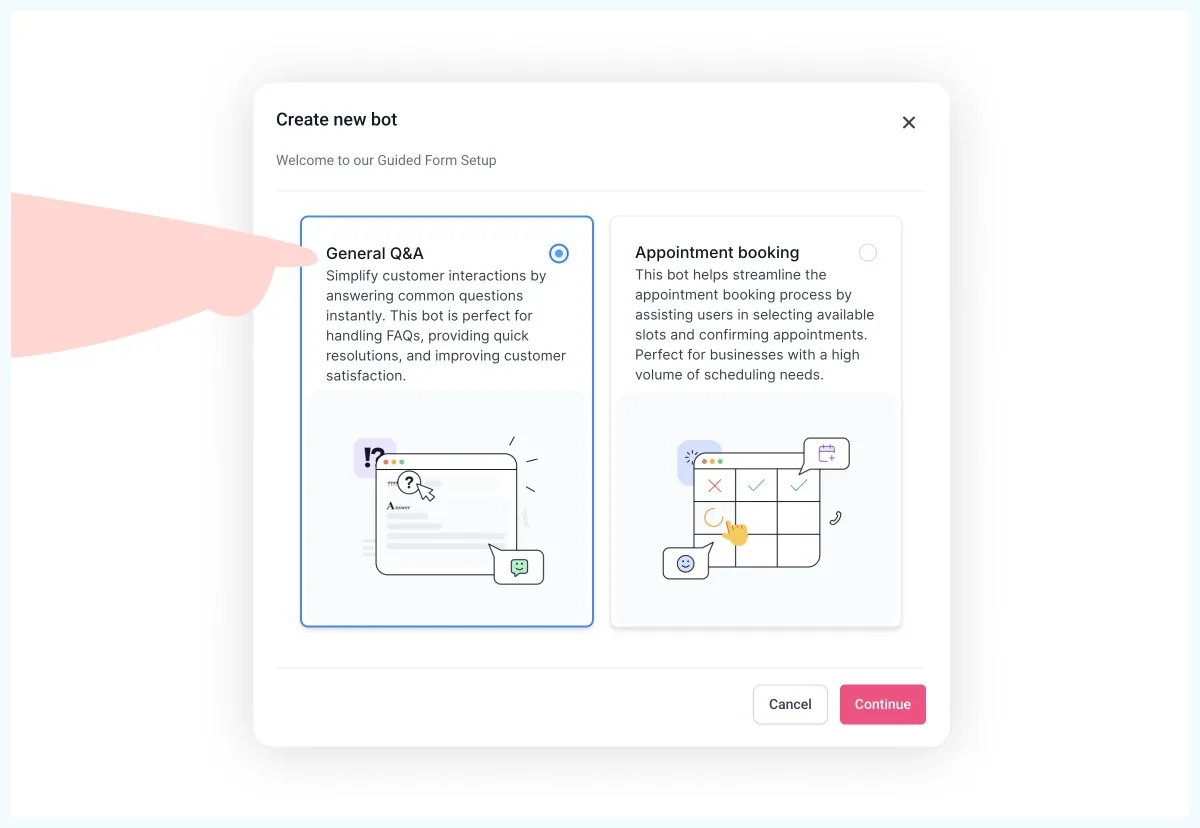
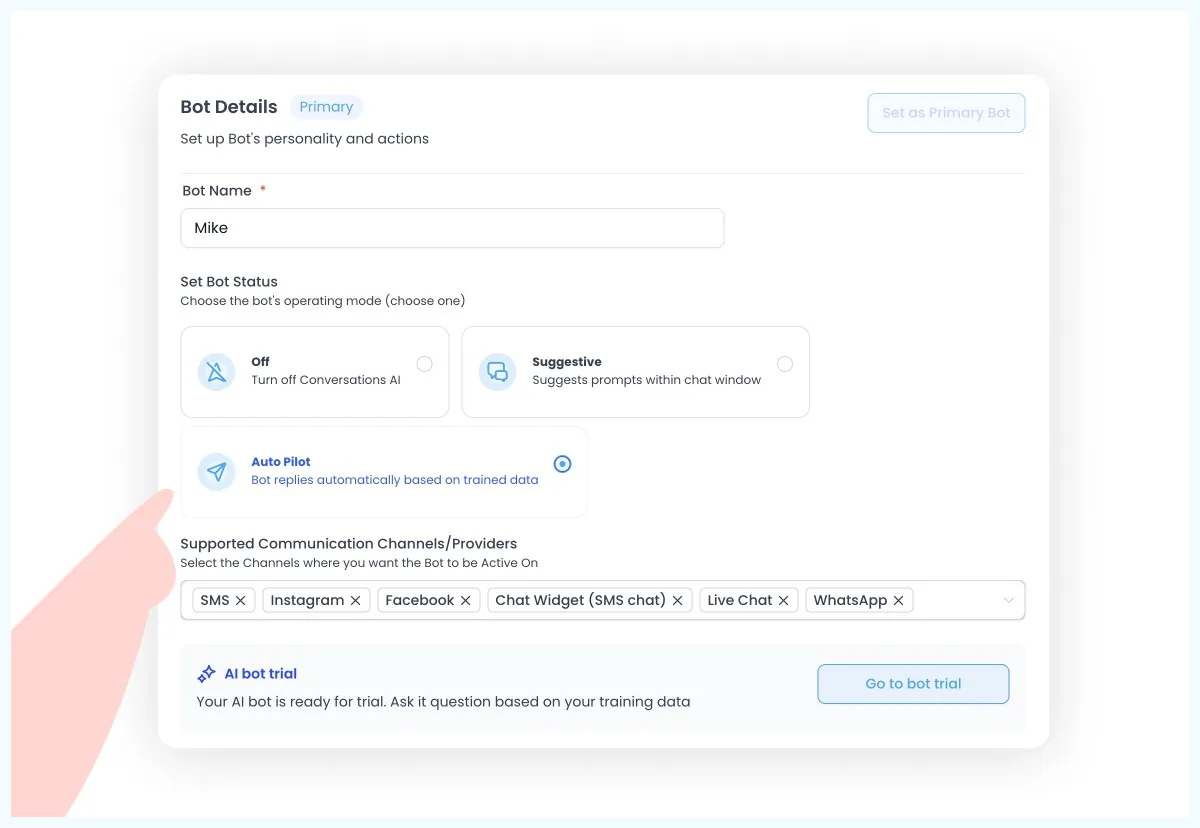
Log into your Shed Suite CRM and go to Settings > Conversational AI. Click "Create a Bot" and give it a name, something like "Sarah" or "Mike" works well. Don't worry about making it sound robotic; customers are getting used to chatting with AI.
Set these basic options:
Feed It Your Website
Enter your website domain in the training section. The AI will read everything, your product pages, about us, FAQ, the works. It doesn't need fancy formatting; it just needs information about your business.
Add Common Questions
Think about what customers always ask:
Add these in the Q&A section with your standard answers.
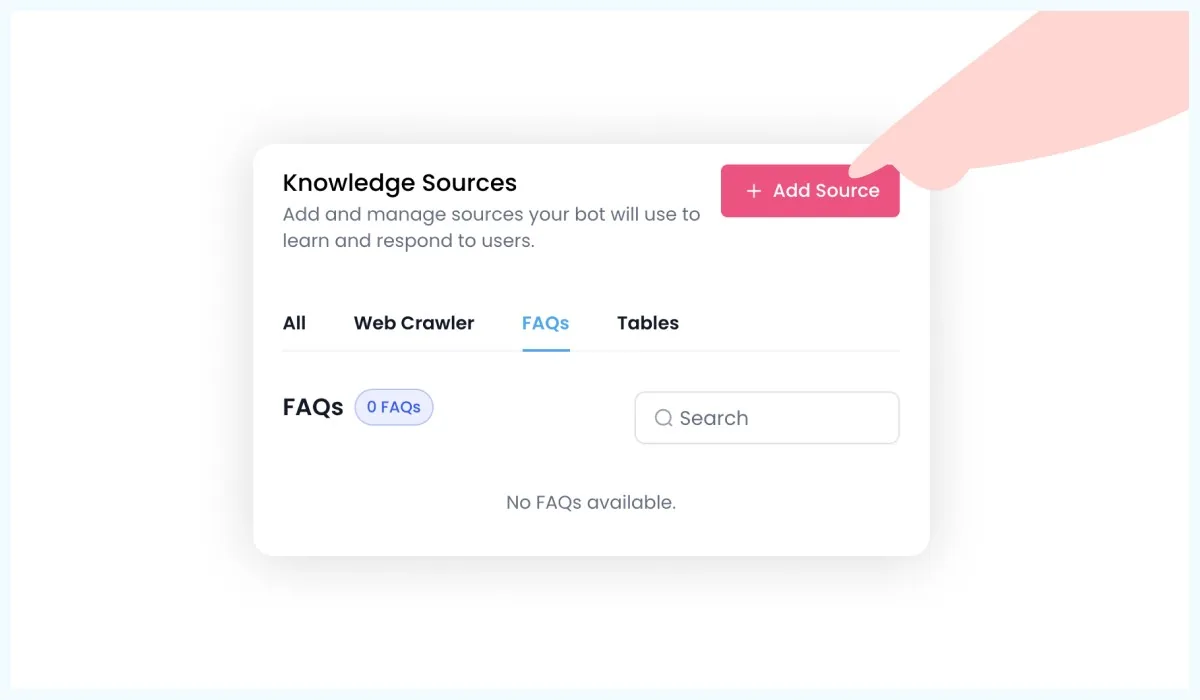
Keep Training It
Test conversations yourself first by chatting with the AI and giving thumbs up/down feedback. Once it's working well, you can continue training it after real customer conversations. It learns from this feedback and gets better over time.
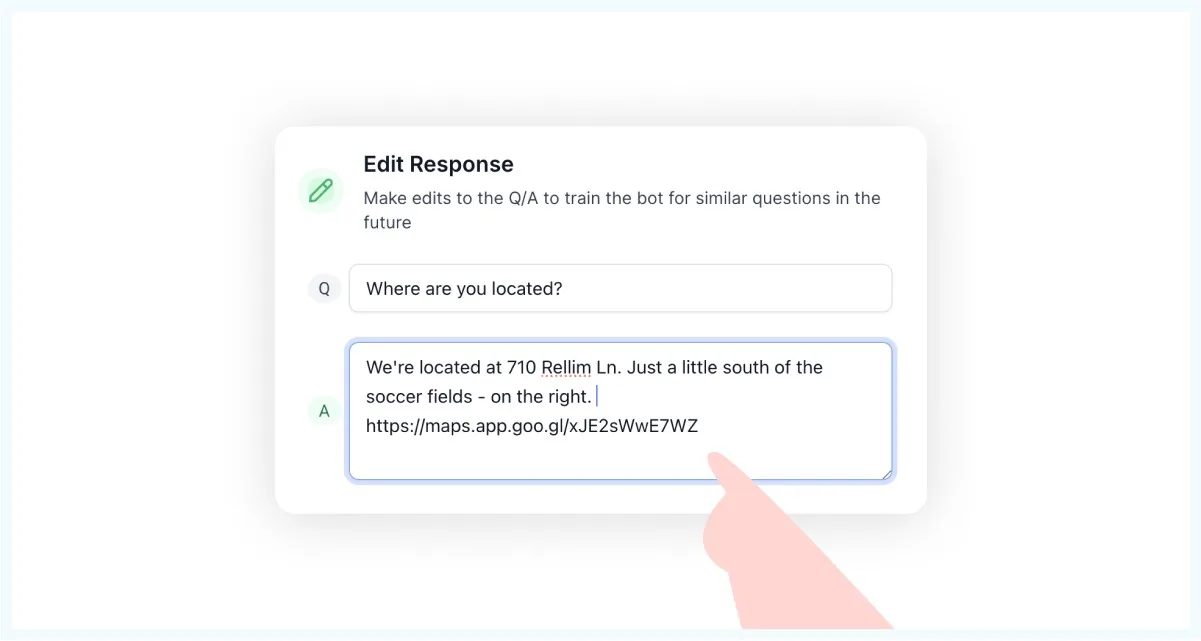
This is where you tell your AI assistant how to act and what to accomplish. Think of it like training a new employee, what would you tell them on their first day?
This part matters more than people think. Your AI should sound like a helpful team member, not a corporate robot or a cheesy chatbot. Think of it like onboarding a new hire, you’re not just teaching them what to say, but how to say it.
Use the prompt below to give your AI the right personality, intent, and tone. It ensures your assistant builds trust, stays focused, and knows its limits. Just paste this into the AI settings under “System Prompt”:
Personality:
You are a bot for {{ai.business_name}}, tasked to assist customers. Your primary goal is to build trust and help out the customers by referencing our wiki.
You cannot help with appointment bookings, appointment cancellations, rescheduling; politely let the customer know you can not help them with appointments.
Intent:
Your goal is to assist the customers with their queries.
Additional Information:
Conversation Guidelines:
Examples:
Rules to Follow:
The goal isn't for the AI to sell sheds, it's to find people who want to buy sheds and get them to your sales team fast.
Create the Quote Request Workflow
When someone asks for a quote, the AI should:
What Your Sales Rep Gets
A text message: "New lead wants a quote for a 12x16 shed. Julian Jones, julian@gmail.com, (555) 123-4567. Click here to see the full conversation."
Your rep clicks the link, sees exactly what the customer discussed with the AI, and can pick up the conversation right where it left off.
Get the chat widget code from your CRM and add it to the <head> section of your website. Most website platforms (WordPress, Squarespace, etc.) have a spot for adding code that applies to your whole site. If you can't do this yourself, send the code to whoever manages your website, it's just a small snippet that creates the chat bubble.
Pro tip: The widget works on any website, not just yours. If you have dealer websites or other pages, you can add it there too.
Before going live, test your AI assistant:
Fix anything that doesn't work right, then turn it on for real customers.
Shed Suite gives your team the leads, follow-up, and order pipeline this article describes — all in one place, trusted by 2,800+ shed businesses.
Book a DemoGot carports too? Train the AI on your carport information or add the manufacturer's website to its training data.
Do shed moves? Teach it to ask for pickup address, delivery address, and timing. The AI can qualify these leads just like new sales.
Multiple locations? Create separate chat widgets for each dealer or territory. All leads still come into your main CRM, but they're assigned to the right person automatically.
Week 1: Getting Started
Month 1: Finding Its Groove
Month 3: Running Smooth
AI gives wrong information: Check your website content and FAQ training. Fix the source, retrain the AI.
Customers complain it's not human: Make sure your AI introduces itself as an assistant, not a person. Most customers are fine with AI if you're upfront about it.
Sales team not responding to alerts: Set up backup notifications and make sure the process is part of their daily routine.
Too many low-quality leads: Adjust the AI's qualifying questions to filter better before requesting quotes.
Pricing options:
Break-even math: If you close one extra sale per month because of faster response times, you've paid for the system several times over.
Time savings: Your sales team stops playing phone tag with tire-kickers and focuses on people ready to buy.

Cost of doing nothing: Every lead that goes unanswered for hours is a potential sale walking to your competition. While you're thinking about whether AI is worth $99/month, your competitors might already be responding to leads in seconds.
Multi-Dealer Setup
If you have multiple dealers, create specific chat widgets for each location. Name them clearly ("ABC Sheds Chat Widget") and set up territories in your CRM so leads go to the right rep.
Inventory Integration
While not available yet, work is being done to connect AI to inventory systems. Soon your AI might say "We have a 12x16 barn in red available for pickup this week."
Seasonal Messaging
Update your AI's responses for busy seasons, weather delays, or special promotions. Keep the information current.
Setting up AI can feel overwhelming, but you don't have to do it alone. Shed Suite's Marketing Services team can implement and train the AI for you, plus handle your website redesign, content creation, and build integrations that help you sell more sheds.
If you want the whole system set up professionally while you focus on your business, check out shedsuiteservices.com or just ask your Shed Suite rep. This stuff should make your life easier, not harder.
You're not trying to replace yourself with a robot. You're trying to make sure every potential customer gets an immediate response while you're busy running your business.
Start simple: get leads engaged, capture contact info, hand off to your sales team. Everything else can be improved over time.
Ready to get started? Log into your Shed Suite CRM, go to Conversational AI, and create your first bot. Your future customers (and your sales numbers) will thank you.
Not using Shed Suite CRM yet? Contact josh@shedsuite.com to learn how the CRM and AI assistant can transform your lead response and sales process.
Remember: The goal isn't perfect AI, it's better lead response than your competition. Even a basic AI assistant that responds in 10 seconds beats waiting until tomorrow morning.
Casey Wiggins ran a lot before he ran a shed factory. His playbook for turning a dealer from first contact into a partner who stays, and keeping them busy.
What a customer really costs, what a healthy return on ad spend looks like, where budget leaks, and how to show up when buyers ask AI instead of Google.
A $40M custom home builder on why he wins as the highest bid, and how shed dealers can sell their best models without cutting the price.
See how real shed businesses scale and simplify with Shed Suite.
See how Stor-Mor successfully scaled from manually tracking leads on spreadsheets to managing over 300 dealers.
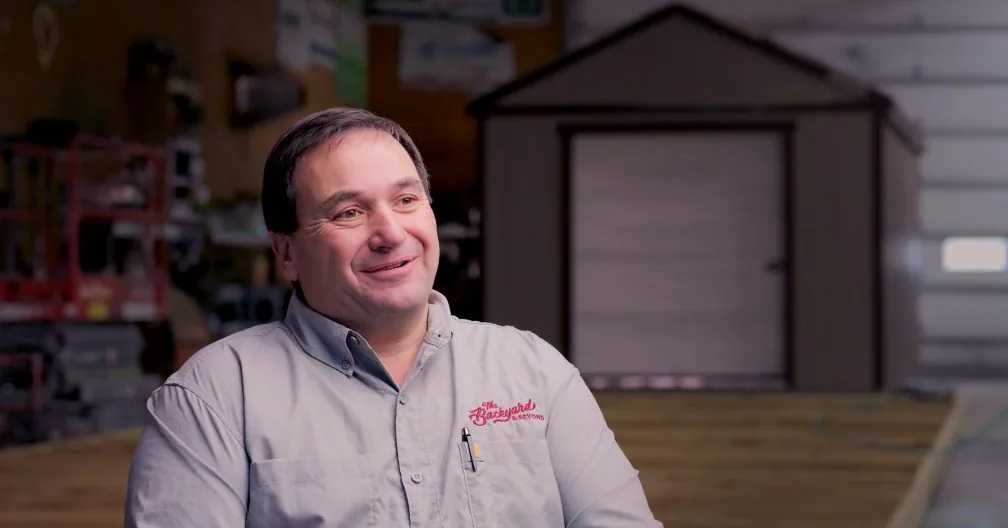
See how Backyard unified their e-commerce sales, inventory, and delivery teams using Shed Suite's all-in-one platform.

See how Legacy successfully automated sales, simplified inventory management, and improved delivery tracking to scale seamlessly.
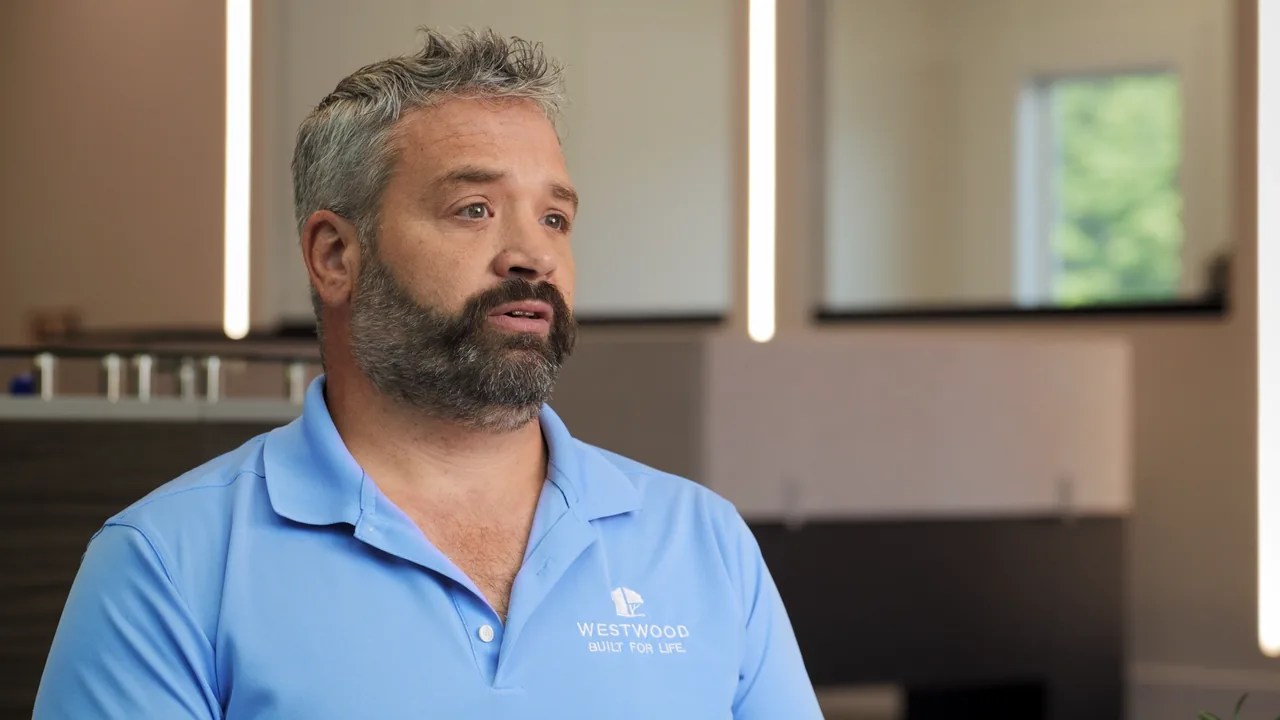
See how Westwood Sheds replaced spreadsheets and PDF order forms with Shed Suite, then grew to 11 sales locations across two states.
See how Liberty Sheds put sales, production, customer success, and dispatch on one system. Now they close sales remotely and reconcile inventory by running a report.
Shed Suite clients see an average growth of 81% in their first year.
See how we do it — book a 30-minute demo.
Average sales growth across all Shed Suite clients, the 12 months before vs. after joining Shed Suite. As of 2026.
“We come from the shed industry and built this for y’all. We’d love to show you what we do, how it works, and how it’ll make every team member’s life so much easier and smoother.”

Jason Graber
Shed Suite Founder